

App · Productivity
Line Graph Creator
Type your values, pick a style, share your graph.
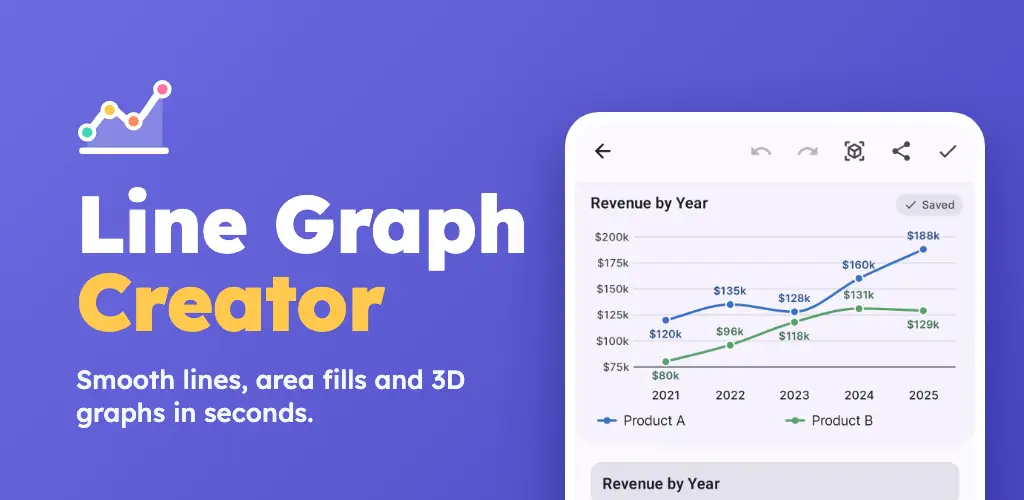
Line Graph Creator is the easiest way to make a good-looking line graph on your phone. Compare up to six lines, switch to smooth curves or an interactive 3D view, and share it as an image, PDF or CSV. It is made for students, teachers, small businesses and anyone who tracks numbers, and it works fully offline.
Features
What it does
Create in seconds
Start blank or from 10 ready-made templates like monthly sales, weekly steps or budget vs actual. The graph updates live as you type.
Compare up to six lines
Put several lines on one chart with a legend, use any text along the X axis, and leave a cell empty to show a gap.
Style it your way
Straight or smooth curved lines, point markers, value labels, area fill, gridlines, axis titles and your own Y axis range.
12 color palettes
Hand-tuned palettes that stay readable for color-blind viewers, plus a full color picker and hex codes for any line.
See it in 3D
Turn any graph into interactive 3D ribbons or a 3D area chart. Drag to rotate, tap a point to see its value.
Share and export anywhere
Share sharp PNG images, save to your gallery, export a vector PDF with a data table, or export and import CSV files.
FAQ
Common questions
Is it free?
Yes. Line Graph Creator is free, every palette and template included, and it is supported by occasional ads.
Does it work offline?
Yes. You can create, edit and export graphs without internet. Ads only load when you are online.
How many lines can one graph have?
Up to six lines, each with its own color and a shared legend.
Can I import my own data?
Yes. Import a CSV file from your phone with one column of values per line. Comma, semicolon and tab separated files all work.
What can I export?
PNG images (including transparent backgrounds), a vector PDF with a data table and averages, and CSV files.
Where are my charts saved?
Only on your phone. Nothing is uploaded to a server. Uninstalling the app removes your charts unless your device backup includes them.
Does the app need an account?
No. There is no sign up or login.
Support
Found a bug or have an idea? Email [email protected] with your phone model and Android version.